
The CNFans Spreadsheet shelves, read for how their option menus are built
From coats to electronics, every catalogue shelf in one place. Each card opens a shelf; each note says what kind of option menu waits behind the listings there.
A catalogue of finds, each with a menu behind it
A CNFans Spreadsheet, in the sense this site uses, is a browsable catalogue of product cards gathered from Chinese marketplaces: a photo, a title, a price or price range, and a link through to the listing. You browse it by category, the way you would browse a shop, and when a card looks right you take its listing to an agent such as CNFans to buy.
What the card cannot show is the option menu. Every listing behind a card has one, and the card price is the lowest line in it. This page collects the catalogue shelves with a note on how their menus tend to be built, so you know what kind of reading waits on the other side.
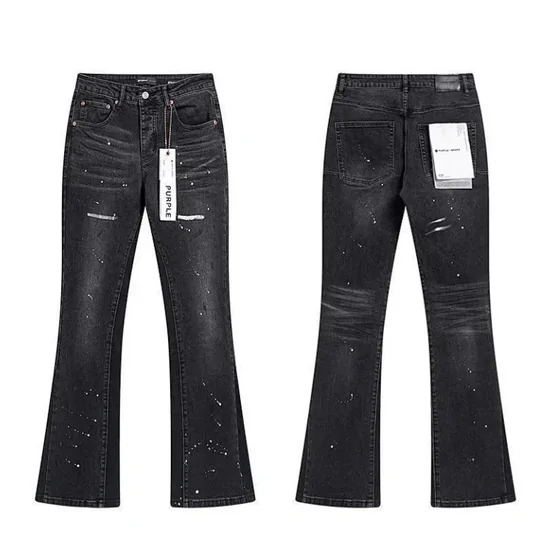
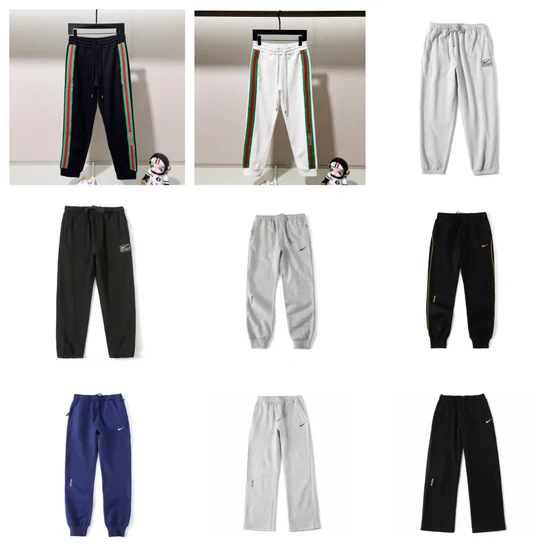
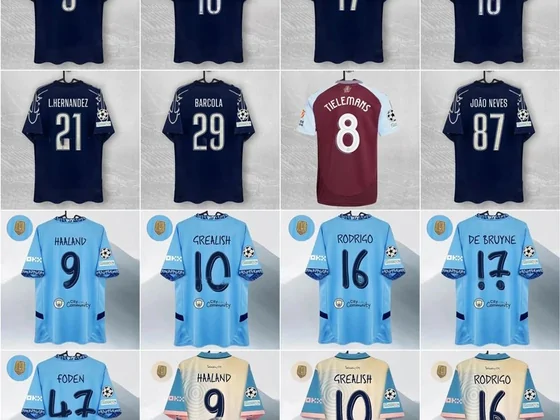
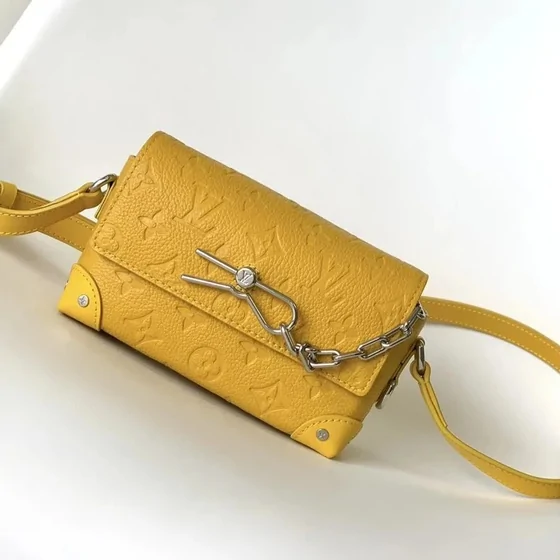
The sixteen image cards open their corresponding catalogue categories. The notes further down explain which labels and details to verify after opening a listing. A product photograph can help identify a category but cannot establish the accuracy of its seller claims.
Browse the Spreadsheet by category
Choose a category, then inspect the actual listing. These photographs identify the shelves; they do not guarantee stock, price or whether an agent can ship an item.
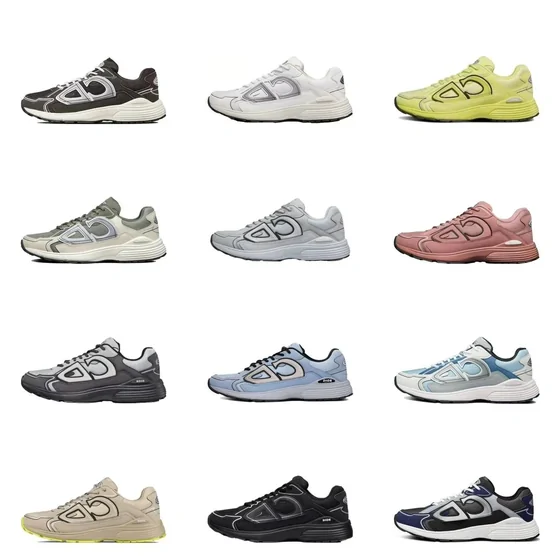
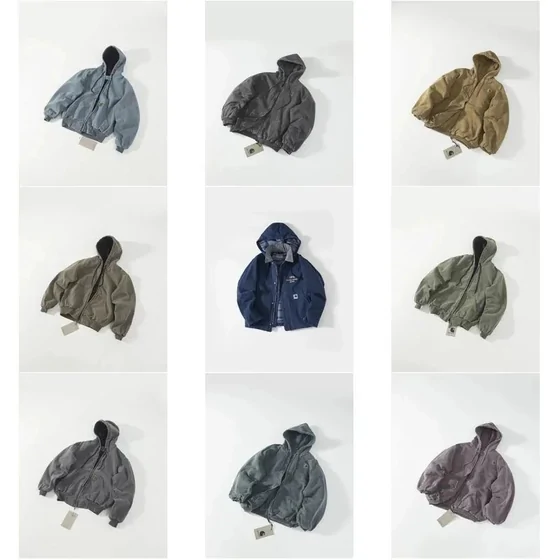
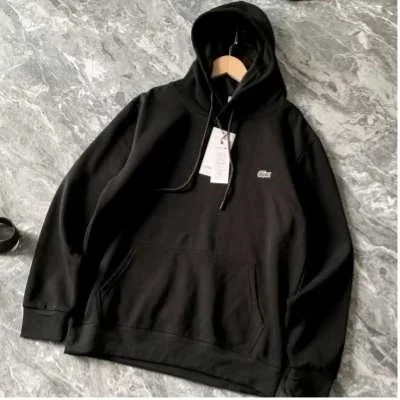
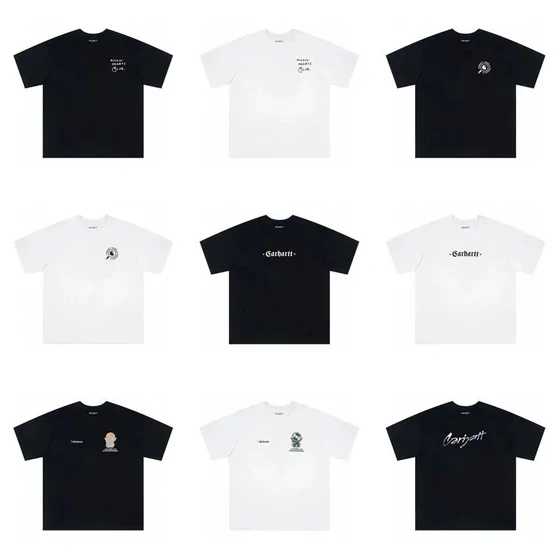

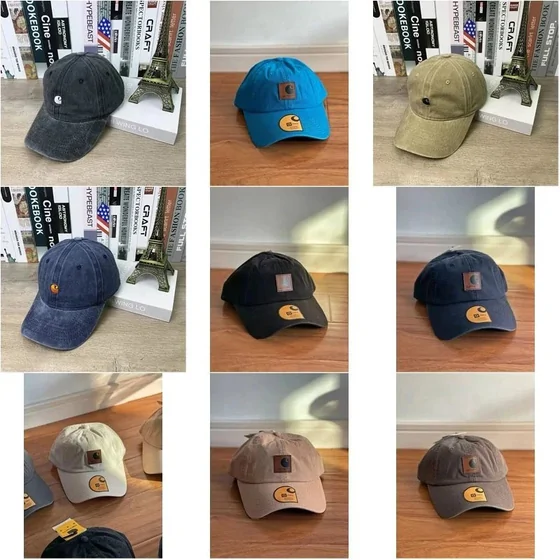

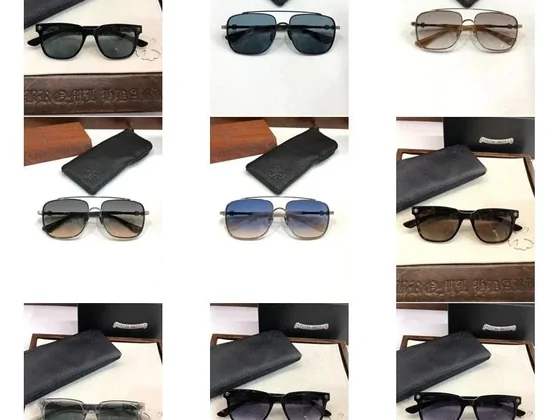

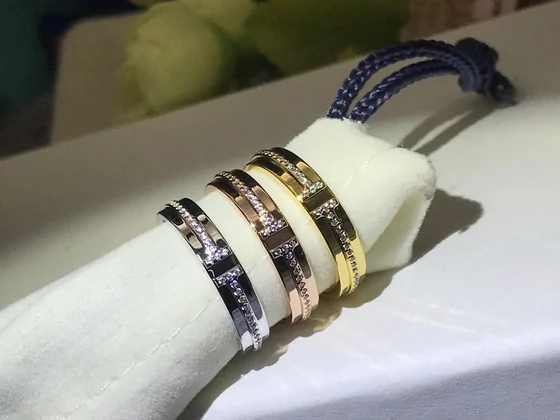
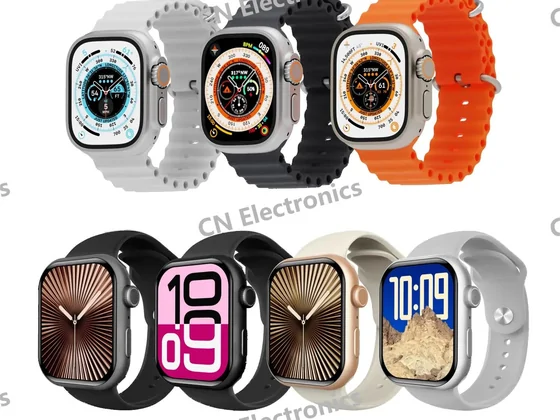
More category choices and listing checks
The remaining shelves follow the same rule of a lowest line on the card and a menu behind it, but their option groups are built around different things: dimensions, volumes, plug types or printing. The notes are what to expect, written from how these categories are usually listed; we did not transcribe menus from them for this site.
- Sweatpants and joggersCuffed and straight legs are often chosen in the colour list, not the size list.
- SneakersSize lists run long and are usually the second group; the first is the colourway, often with box or no-box lines.
- Football jerseysName-and-number printing is often its own option group, priced on top of the shirt.
- BagsOften a single option group; sizes are written as dimensions inside the entry names.
- HatsSingle-group menus are common; we met a gift box sold as its own line here.
- BeltsLength and buckle can share one entry, so a line name may fix both at once.
- EyewearCase and cloth sometimes appear as separate lines next to the frames.
- PerfumeVolume is the price driver; sample vials and full bottles can sit in one menu.
- JewelleryPlating or metal is usually chosen in the first group, size in the second.
- WatchesStrap options can carry their own price, separate from the case colour.
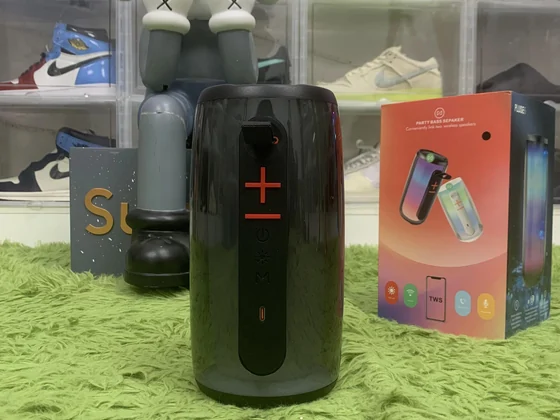
- ElectronicsPlug type and bundle (with or without charger) are typical option groups.
Why read the catalogue this way
Most catalogue guides stop at the card: they show you a find and a price. This one starts where the card stops, because the line you choose decides what arrives, and choosing it is the step where a cheap-looking find most often turns into a different garment or a payment-only line.
We keep the site small on purpose. The pages are rebuilt when we re-read menus, the date of the last reading is printed in the footer, and dead catalogue links are checked before each update. That is also how to judge a Spreadsheet site, ours included: look for those three things, a date you can see, links that still open, and an explanation of how its claims were collected.
If a catalogue site gives you none of them, use it for ideas and verify every price on the listing itself.