
From the menu you read to the option the purchaser buys
An agent buys exactly the line you name. This page covers naming it: the copied text, the notes and the photos that confirm it arrived.
Picking the option on a CNFans order
An agent order is a short instruction to a purchaser: this listing, this line, this many, and anything else they need to know. The purchaser buys from the seller with the agent’s own account and has the item sent to the agent’s warehouse in China. Everything this site says about reading a menu comes down to that instruction being right.
A public profile of CNFans, dated 10 October 2026, boils its version down to a product link pasted into the order page with notes. We could not open the CNFans order page itself on 19 October 2026, because cnfans.com showed a maintenance notice in its place, so this page describes what an agent order needs in general and how to fill it from the menu you read, not how the CNFans form looks.
Four things travel with the order: the listing link, the exact line, the quantity and your notes. If any of them is vague, the purchaser has to guess or ask, and both cost time.
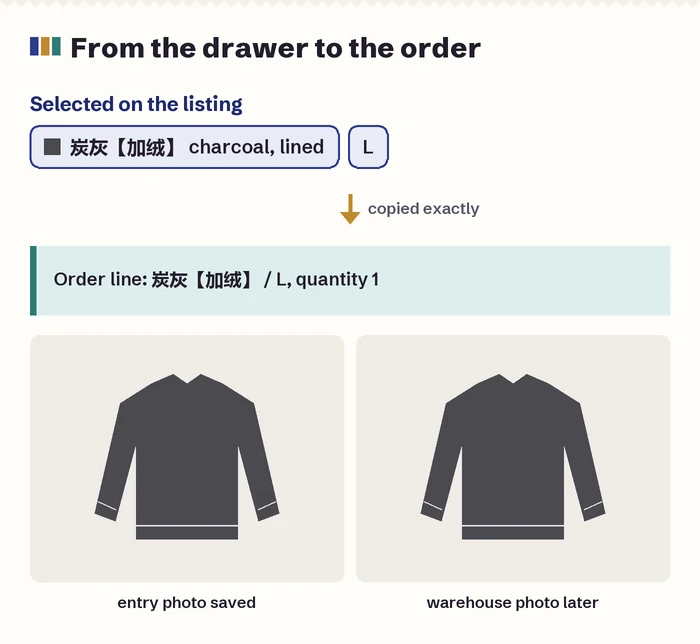
What to copy from the listing
Copy the line exactly as the seller wrote it, brackets and codes included: 炭灰【加绒】 / L is a different purchase from 炭灰 / L. If the agent page shows the menu translated, pick the line whose Chinese matches what you copied, and if it does not show the Chinese, put it in the notes.
Take a screenshot of the listing with your line selected, so that the price and the entry photo are visible together. It is for you rather than the purchaser: when the warehouse photos come back a week later, it is the quickest way to check that the right line was bought.
For a collection menu, also note the entry number and keep the entry photo. Codes like 07 or A33 are easy to mistype and impossible to check from memory.
Writing order notes a purchaser can act on
Notes work best as short numbered points. A purchaser handles many orders and reads quickly; a paragraph about your preferences is likely to be skimmed. Put the essentials first, in the order you want them acted on, and use the seller’s own Chinese words where they matter.
Good notes answer the question the purchaser would otherwise have to ask. For a pack with colours by note, the colours. For a line with little stock, a second choice or “no substitute”. For a cheap line you are unsure about, the question, so it is asked before payment to the seller rather than discovered at the warehouse.
Checking the line in the warehouse photos
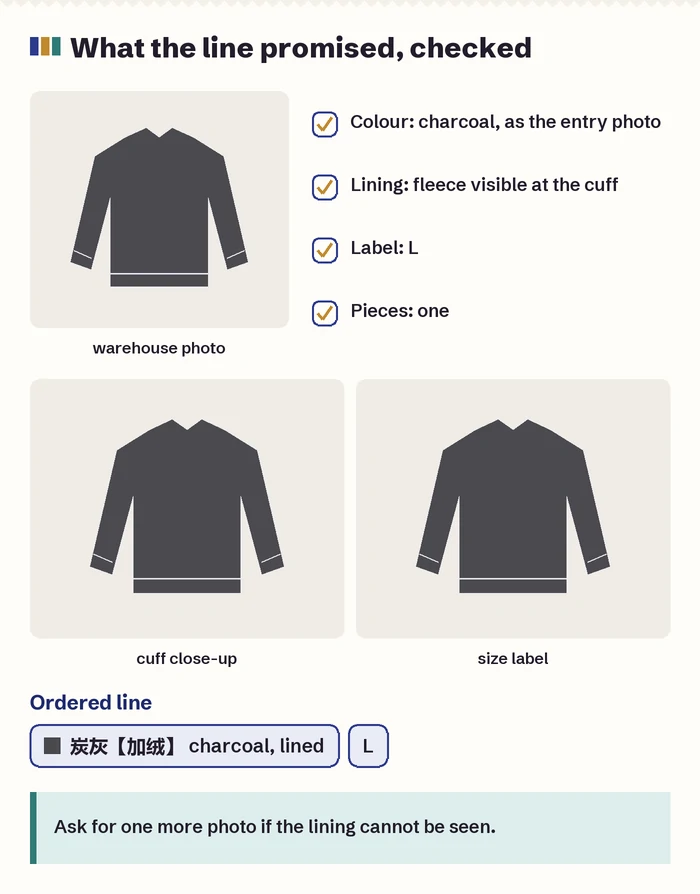
When the item reaches the agent’s warehouse, the agent photographs it, and those QC photos are where you find out whether the right line was bought. Reading them with the menu in mind is quicker than reading them for faults alone. Start with what the line name promised.
- Colour against the entry photo you saved, under the warehouse light, which is usually cooler than a seller’s studio.
- The second choice in the name: a lining you can see at the cuff or hem, sleeve length, a cuffed or straight leg.
- The size label against the size you ordered.
- For packs and sets, the count and the colour mix.
If something the line promised cannot be seen in the photos, such as a lining, ask for one more picture of that detail before you approve delivery. How to check QC photos for faults is a wider subject; for the option you chose, these four points cover it.
When the warehouse photos show a different line
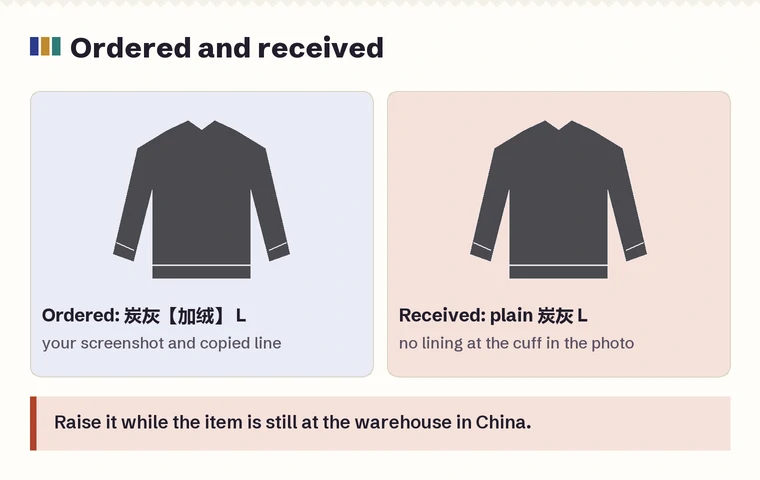
Mistakes happen at both ends. The seller can send the plain version instead of the lined one, or the purchaser can pick a neighbouring entry in a long coded menu. Either way, the time to raise it is while the item is still at the agent’s warehouse in China, where an exchange with the seller is a domestic matter.
Your screenshot of the selected line and the copied line text are what settle it quickly. If the order line itself was wrong, that is on the order; if the order line was right and the item differs, it is a matter for the seller, handled through the agent. Either way the exchange follows the seller’s own terms, which is one more reason to note any condition the seller attached to the line.
Lines bought by mistake through choosing the card price, such as a keyring or a postage unit, are rarely worth sending back; the lesson is cheaper than the return.
Write the option as an instruction that can survive translation
Use the original option string and a short explanation, not a colour word alone. If the option is “black, fleece-lined, long version”, deleting the last two parts can turn the request into a different garment. Keep the option picture only as a second identifier; a reused photo can accompany more than one size or pack.
| Field | Example of the information to retain | Why it matters |
|---|---|---|
| Product | Original marketplace URL and item ID | Separates one listing from another with similar pictures. |
| Option | Original text, size and selected option picture | Preserves lining, length or version words that translation may flatten. |
| Quantity | Seller units and expected physical pieces | Distinguishes two sets from two individual pieces. |
| Fallback | No substitution, or a precisely approved alternative | Avoids treating a neighbouring colour or size as automatically acceptable. |
Do not overwrite the original option record after a change. Add the approved revision and its date so the warehouse photo can be compared with the final instruction. If the seller cannot confirm a component or size, leave that uncertainty visible and decide whether to proceed before payment.